DELL
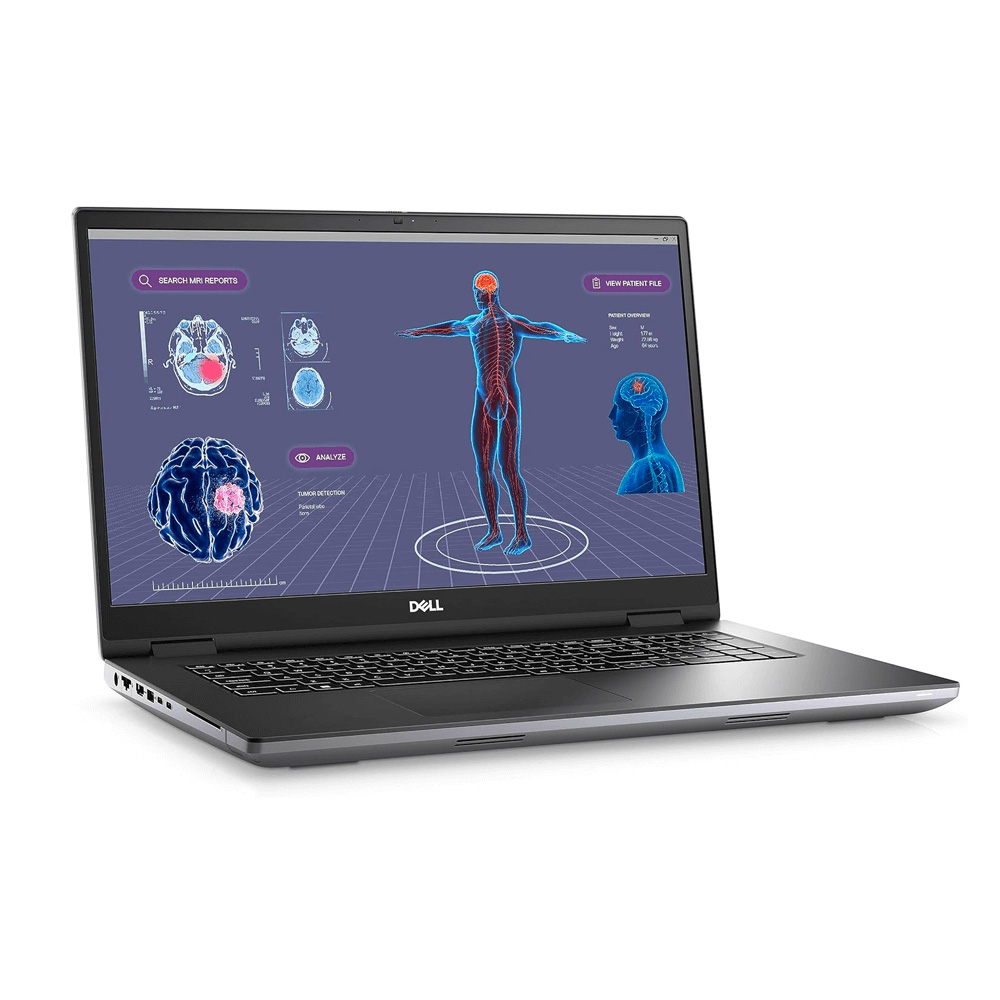
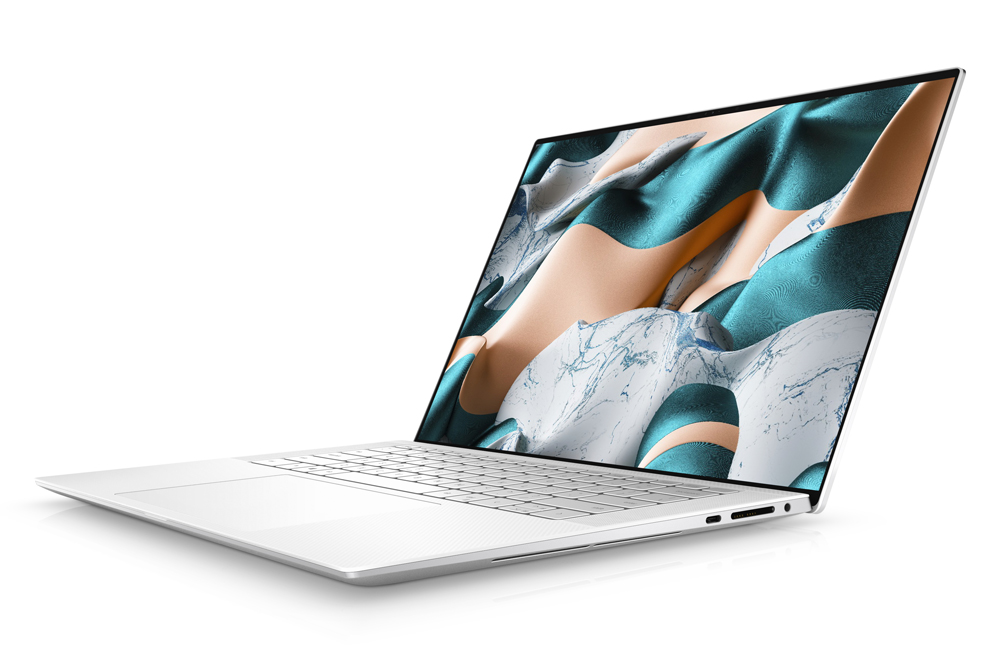
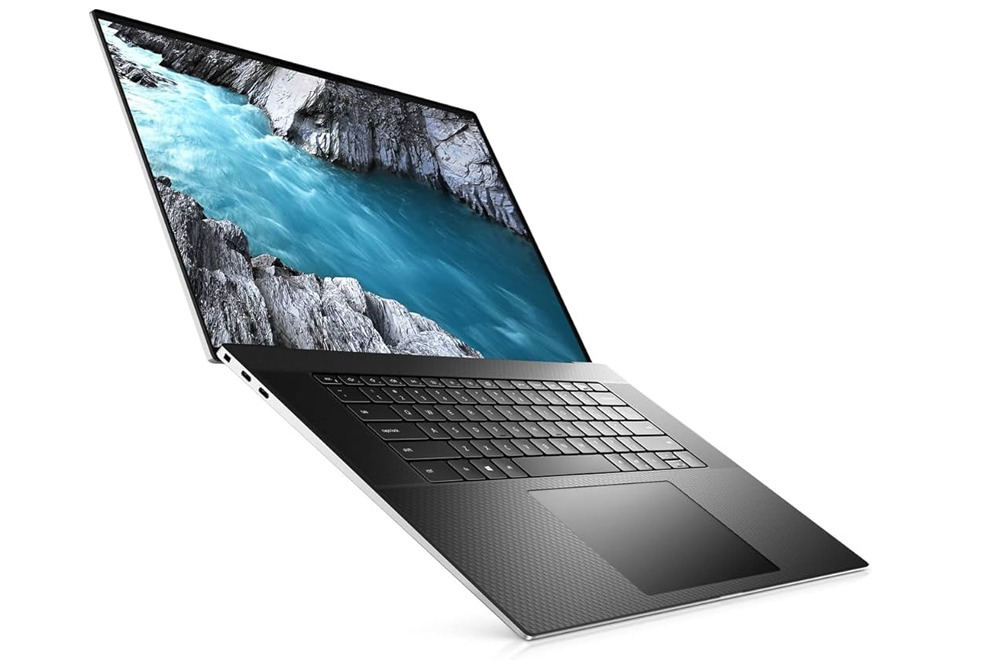
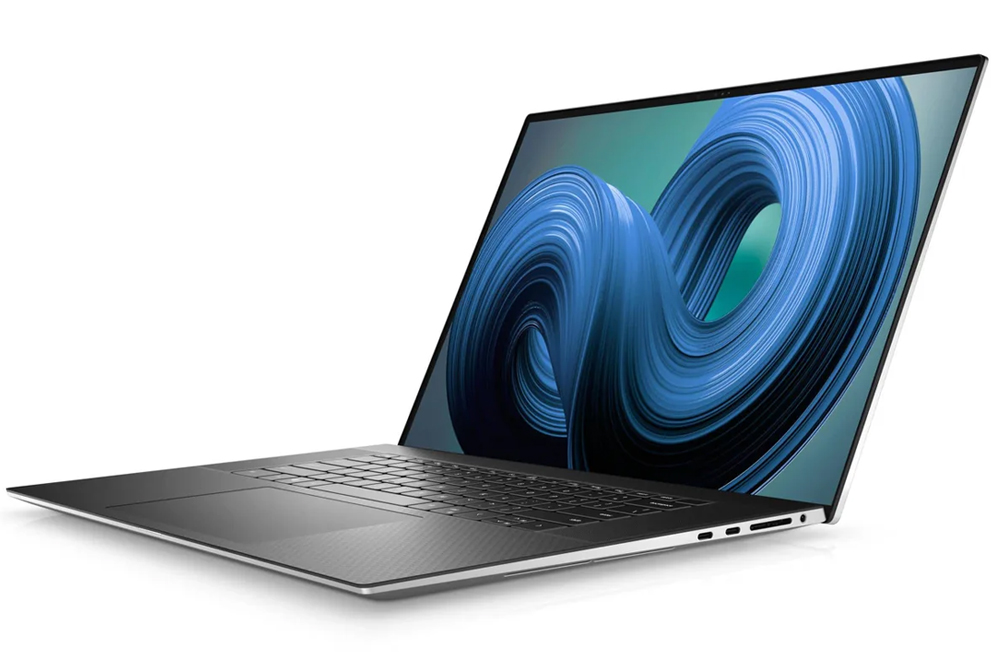
Dell Precision 7780 Laptop – Core i7 13th Gen, 16GB RAM, 512GB SSD | Grade A
Intel Core i7-13850HX · 16GB · 512GB SSD
Demo · Grade A
Live South African Inventory
Engineering software can combine CAD, simulation, analysis and development workloads. Vendor requirements for the actual applications should determine the CPU, certified GPU, VRAM and memory target.
42 matching laptop products currently listed
Current stock
42 models
DELL
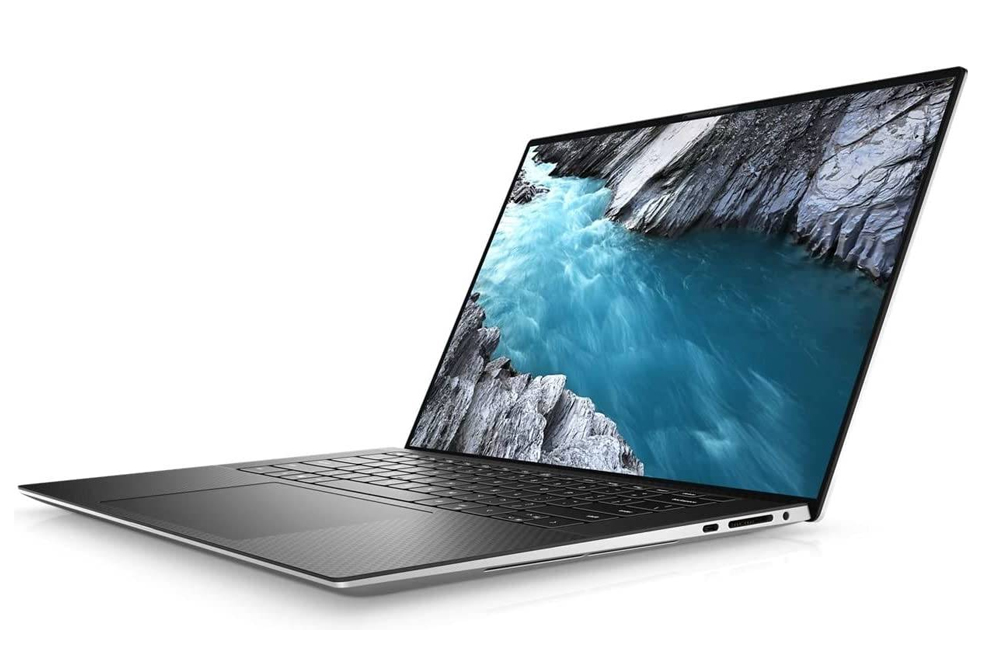
Intel Core i7-13850HX · 16GB · 512GB SSD
Demo · Grade A
DELL
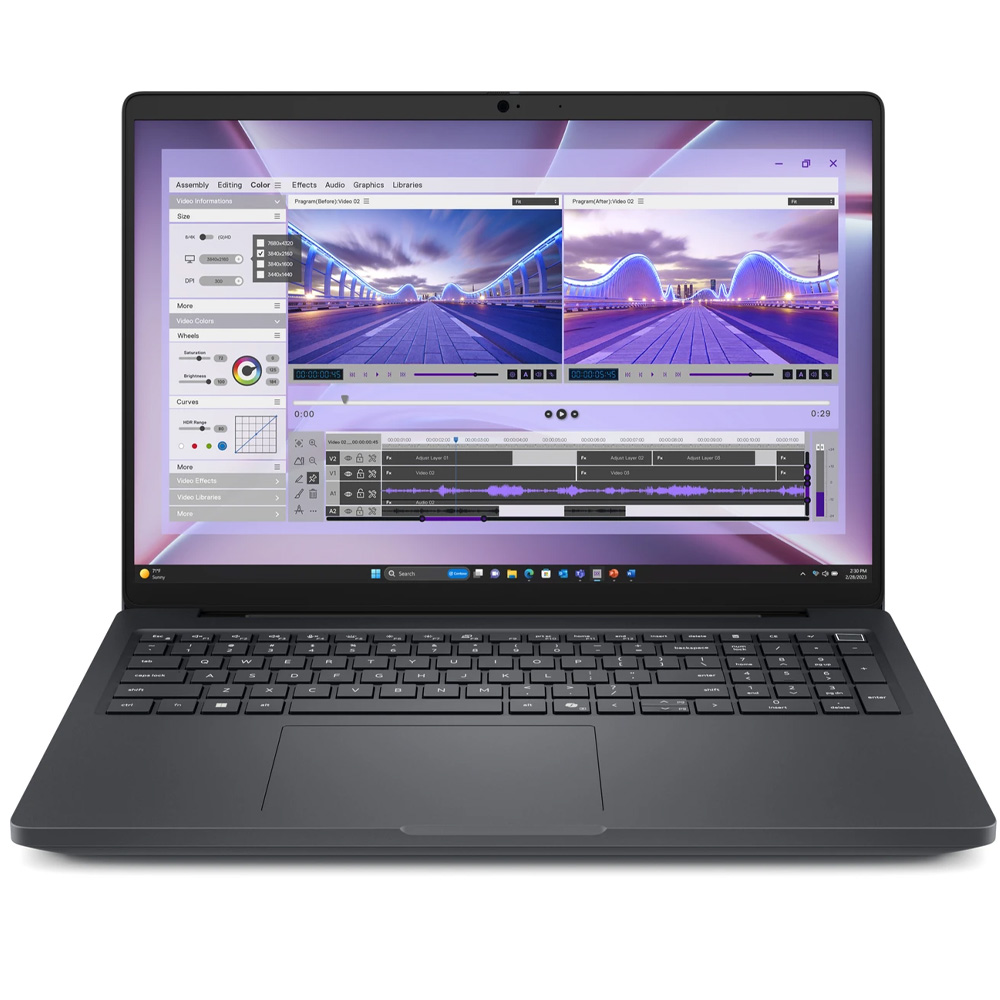
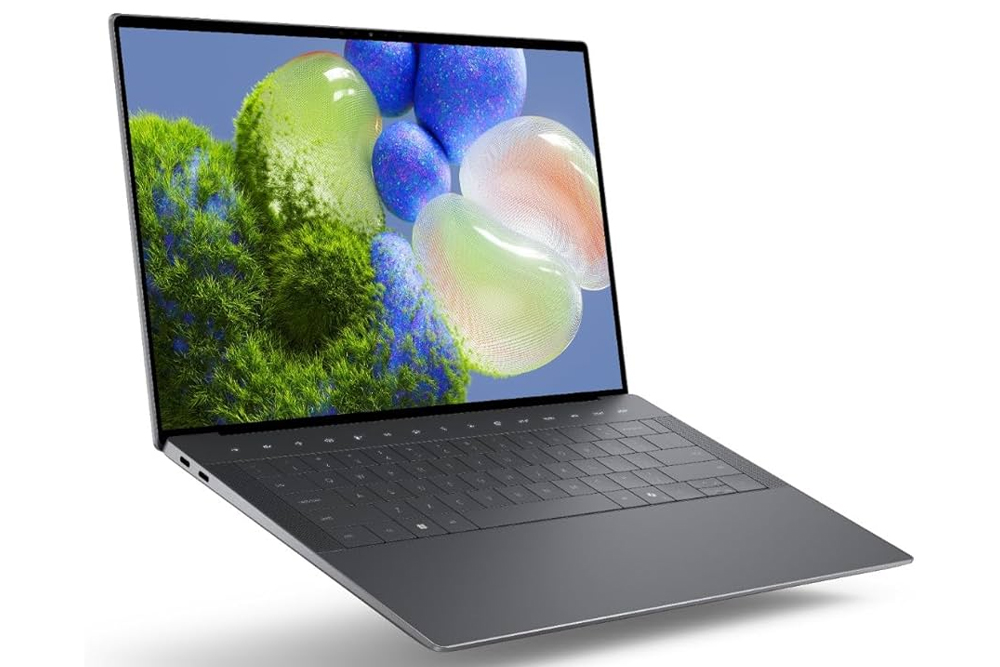
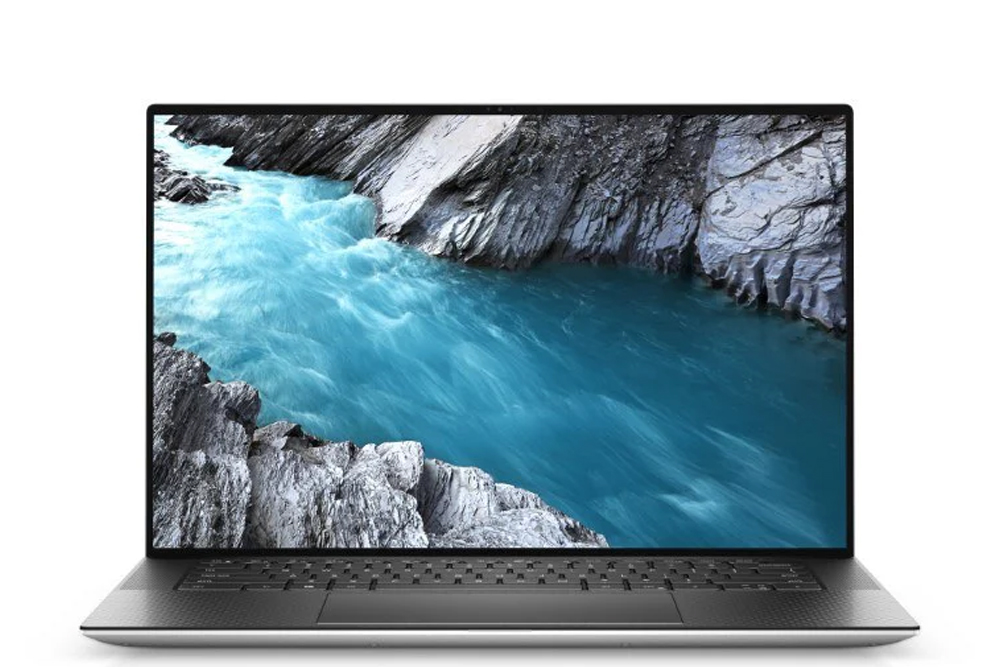
Intel Core Ultra 7 265H · 32GB · 512GB NVMe SSD
Demo · Grade A
DELL
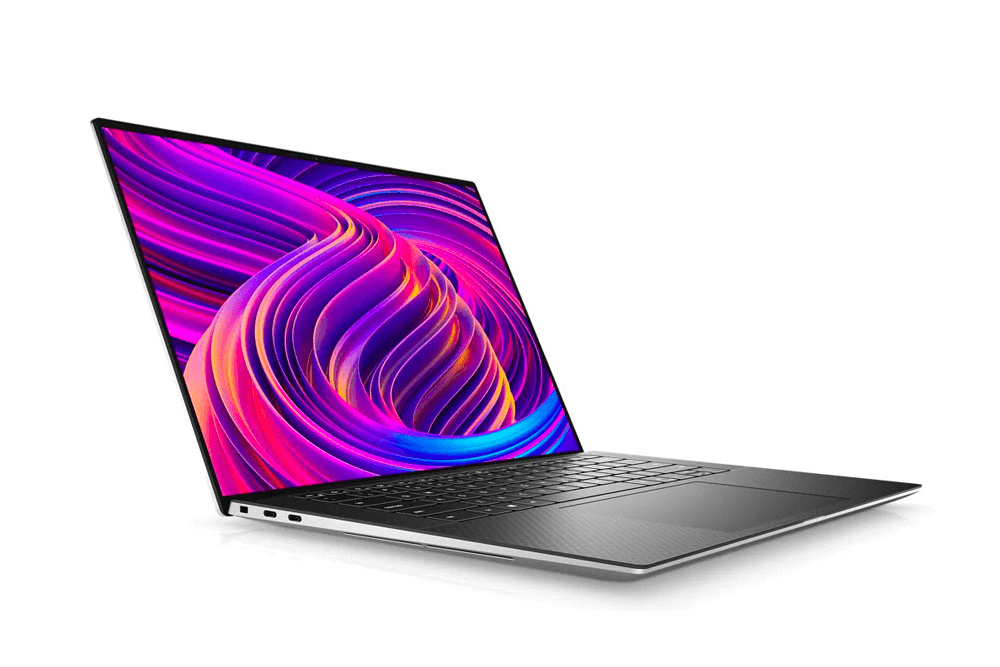
Intel Core Ultra 7 155H · 16GB · 512GB NVMe SSD
Demo · Grade B
DELL
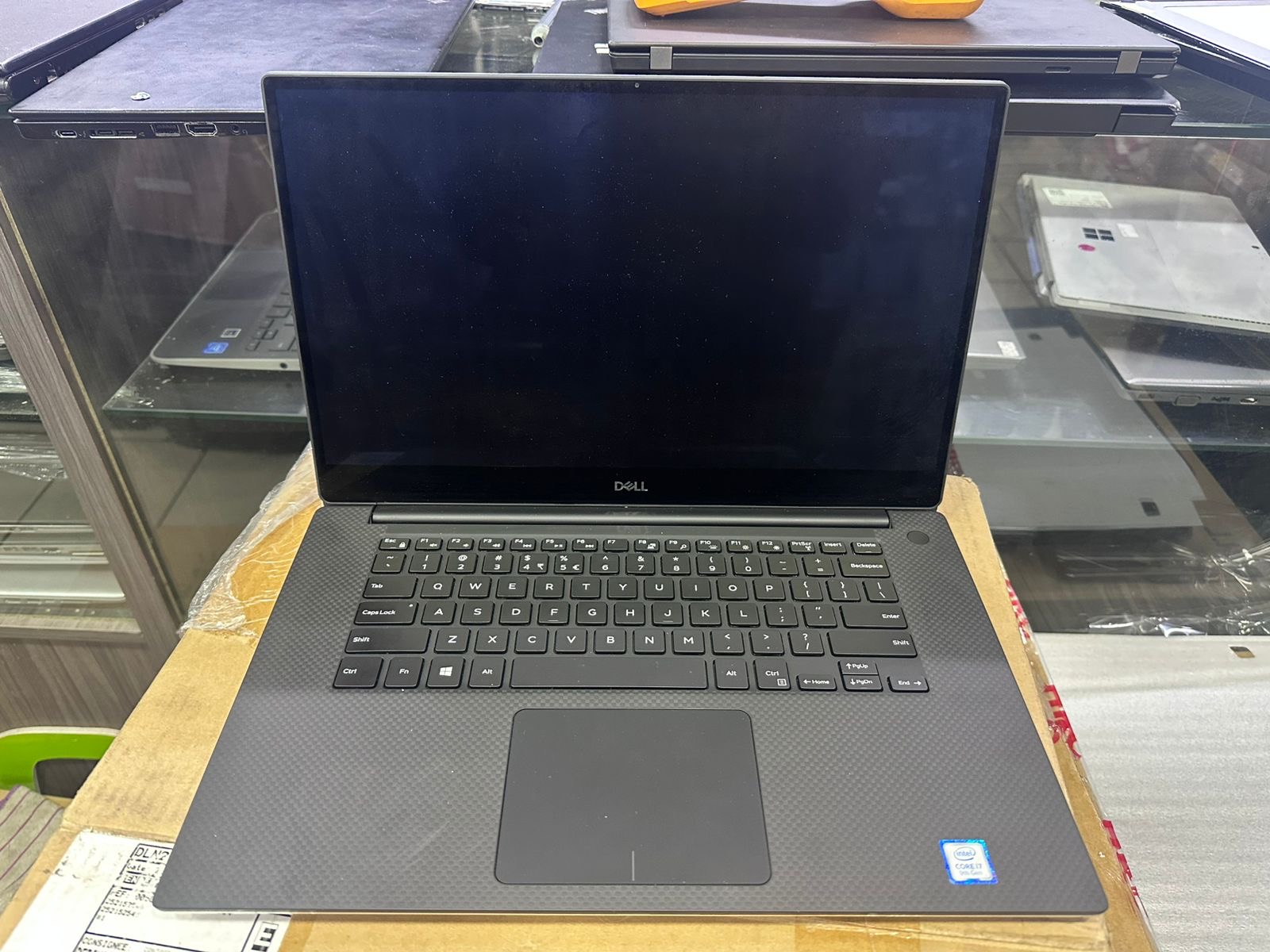
Intel Core i7 9th Gen · 16GB · 1TB SSD
Demo · Grade A
DELL
Intel Core i7 10th Gen · 16GB · 512GB NVMe SSD
Demo · Grade A
DELL
Intel Core i7 11th Gen · 16GB · 256GB NVMe SSD
Demo · Grade A
DELL
Intel Core i7 12th Gen · 16GB · 1TB SSD
Demo · Grade A
DELL
Intel Core i7 13th Gen · 32GB · 1TB NVMe SSD
Demo · Grade A
DELL
Intel Core i7 11th Gen · 16GB · 512GB NVMe SSD
Demo · Grade A
DELL
Intel Core i7 12th Gen · 16GB · 1TB SSD
Demo · Grade A
Specification guide
Use these recommendations as a buying baseline, then confirm the published requirements of the exact software and workload you use.
Choose a recent Core i5 or Ryzen 5 as a practical baseline; Core i7 or Ryzen 7 provides headroom for heavier concurrent work.
Use 16GB RAM for sustained professional multitasking and 32GB when large projects or virtual machines are routine.
Choose at least a 512GB SSD or NVMe drive when applications and project files are stored locally.
Choose supported dedicated NVIDIA or AMD graphics for accelerated effects, rendering and complex visual projects.
Aim for at least 4GB VRAM for moderate projects and more for high-resolution assets, complex scenes or 4K timelines.
Prioritise a Full HD or higher IPS-class display; colour work benefits from verified sRGB or wider-gamut coverage.
Dell Precision · HP ZBook · Lenovo ThinkPad P-series
Family recommendations are starting points. Only products matching this page’s live inventory rules appear below.
Workload guide
Civil, mechanical, electrical, industrial and chemical engineering courses use different combinations of CAD, simulation, analysis, programming and reports. Department and software requirements should decide the final hardware.
Mechanical and civil workflows may require dedicated graphics, more VRAM and workstation-class options when models become complex. Confirm support and certification for the exact application.
CPU performance and RAM often matter more than graphics for numerical tools, code and many simulations. Larger data sets or concurrent applications can justify 32GB RAM.
Balance performance with weight, battery expectations and course software. A normal business laptop may suit early coursework, while advanced CAD or simulation modules may require a workstation.
Start with the work the laptop must perform, then compare the complete configuration rather than one badge or headline number. Processor generation, RAM, storage type, graphics, display, condition and cosmetic grade all influence value. A balanced laptop with SSD storage and enough memory can feel faster in normal use than a poorly balanced model carrying a more recognisable processor name.
Every product shown here is drawn from the live AffordableLaptops.co.za catalogue using the criteria for laptops for engineering. Prices are current public prices, while quantities reflect the available variants recorded in the store. Stock changes as products are imported and sold, so open the individual product page to confirm the exact configuration, grade, availability, warranty information and delivery options before ordering.
Refurbished, used and demo devices should be evaluated transparently. Cosmetic grade describes appearance; it does not replace the processor, memory, storage and condition details. For bulk orders, matching quantities and consistent configurations may be more important than selecting the lowest-priced individual unit. For personal purchases, portability, keyboard, ports, screen size and battery expectations can matter as much as benchmark performance.

Choose a recent Core i5 or Ryzen 5 as a practical baseline; Core i7 or Ryzen 7 provides headroom for heavier concurrent work.
Use 16GB RAM for sustained professional multitasking and 32GB when large projects or virtual machines are routine.
Compare the complete configuration, live quantity, condition, grade, warranty and final public price before ordering.
Explore live products, complete specifications, current prices and stock in this related category.
View category →Explore live products, complete specifications, current prices and stock in this related category.
View category →Choose a recent Core i5 or Ryzen 5 as a practical baseline; Core i7 or Ryzen 7 provides headroom for heavier concurrent work. Use 16GB RAM for sustained professional multitasking and 32GB when large projects or virtual machines are routine. Choose at least a 512GB SSD or NVMe drive when applications and project files are stored locally.
Useful families include Dell Precision, HP ZBook, Lenovo ThinkPad P-series. The exact processor, memory, graphics and condition of the available configuration still matter more than the family name alone.
The inventory is populated from active variants with recorded stock. Quantities and prices can change as units are imported or sold.